
Learn how to optimize your gaming PC for 8K gaming. GPU, CPU, RAM, cooling, and upscaling tips to hit smooth frame rates.
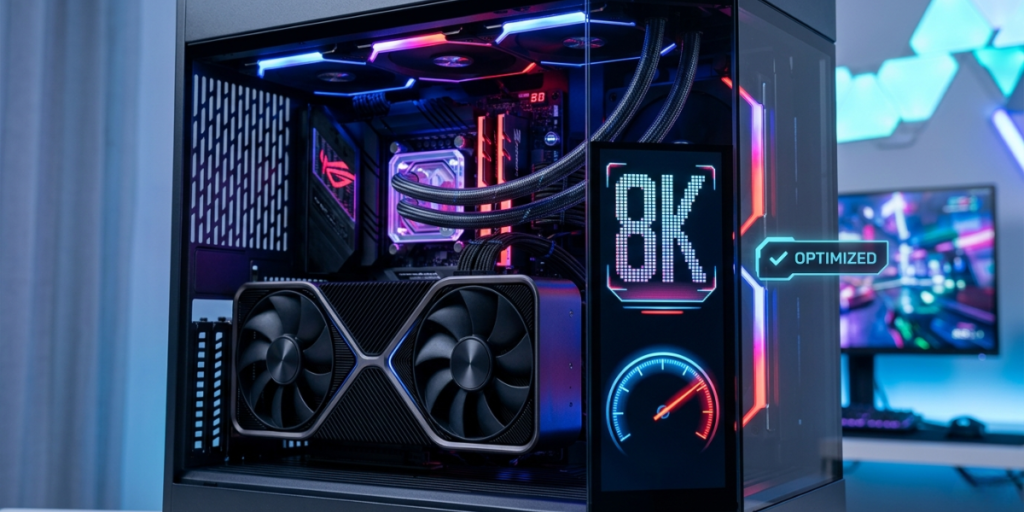
Running games at 8K means pushing your PC to render roughly 33 million pixels per frame—four times the workload of 4K and sixteen times that of 1080p. That’s a massive ask. Without the right hardware and settings, even flagship rigs stutter, overheat, or drop to single-digit frame rates.
The good news: with smart tuning, the right components, and modern upscaling, smooth 8K gaming is more achievable than ever. This guide walks you through exactly how to optimize a gaming PC for 8K gaming—from GPU selection and CPU balance to cooling, memory, storage, and display bandwidth.
Key Takeaways
- Your GPU is everything at 8K. A top-tier card with maximum VRAM is non-negotiable for playable frame rates.
- Lean on upscaling. DLSS, FSR, and frame generation are the single biggest performance levers for 8K gaming.
- Avoid CPU bottlenecks with a strong, modern processor—even though the GPU does most of the heavy lifting at this resolution.
- Plan for bandwidth. You need DisplayPort 2.1 or HDMI 2.1 to drive an 8K display at usable refresh rates.
- Cool aggressively. Sustained 8K loads run hot, so airflow, thermal headroom, and stable power matter as much as raw specs.
8K resolution (7680 × 4320) packs about 33.2 million pixels into every frame. To put that in perspective, your graphics card has to calculate lighting, textures, shadows, and effects for sixteen times as many pixels as a standard 1080p display.
This pixel explosion strains nearly every part of your system:
Understanding where the pressure lands helps you spend your budget and tuning effort wisely. Let’s start with the component that matters most.
At 8K, your graphics card is the single most important factor. No amount of clever settings will rescue a mid-range GPU from this workload.
The GPU market continues to push toward this tier. According to NVIDIA’s GeForce RTX lineup, the highest-end cards are explicitly marketed with 8K gaming and advanced AI upscaling in mind.
Even with a flagship card, native 8K at high frame rates is rare in demanding modern titles. That’s why upscaling—covered next—isn’t optional. It’s the foundation of practical 8K gaming.
If the GPU is your engine, upscaling is your turbocharger. Technologies like NVIDIA DLSS, AMD FSR, and Intel XeSS render the game at a lower internal resolution, then use AI to reconstruct a sharp 8K image.
Rendering at, say, 4K internally and upscaling to 8K can multiply your frame rate while keeping image quality close to native. This is the difference between an unplayable slideshow and a smooth experience.
NVIDIA’s documentation on DLSS technology details how AI reconstruction enables higher resolutions without a proportional performance hit—exactly the leverage 8K needs.
Always enable the upscaler your card supports, test the quality presets, and combine with frame generation where available. This combination delivers the biggest single performance gain you can get.
At 8K, the GPU does most of the work, so CPU bottlenecks are less severe than at lower resolutions. But “less severe” isn’t “irrelevant.”
Monitor GPU and CPU usage while gaming. If your GPU sits well below 95–99% usage during demanding scenes, your CPU (or another component) may be limiting performance. At true 8K, however, you’ll usually see the GPU pinned near 100%—a sign your graphics card is the limiting factor, as expected.
Smart settings tuning recovers huge amounts of performance with little visible difference at 8K, where the high pixel density already hides many imperfections.
The goal is targeted reduction: cut the expensive, low-impact settings while preserving the visuals that matter most.
System memory and storage won’t make or break 8K the way the GPU does, but weak links here cause stutters and long load times.
Here’s a step many people overlook: even a perfect PC can’t show 8K properly without enough connection bandwidth.
The VESA DisplayPort standard was developed specifically to handle ultra-high resolutions like 8K, making the right port and cable essential to your setup.
Confirm that your GPU output, your cable, and your display all support the same standard. The weakest link sets your ceiling.
Sustained 8K rendering pushes your GPU and CPU to their limits for long stretches. Heat and power instability are the enemies of consistent frame rates.
Component | Impact on 8K | Priority | Quick Recommendation |
|---|---|---|---|
GPU | Critical | Highest | Flagship card, 16GB+ VRAM |
Upscaling (DLSS/FSR) | Critical | Highest | Enable + frame generation |
Display connection | High | High | DisplayPort 2.1 / HDMI 2.1 |
CPU | Moderate | Medium | Modern high-end, 8+ cores |
Cooling & PSU | High | High | Strong airflow, quality high-wattage PSU |
RAM | Moderate | Medium | 32GB dual-channel |
Storage | Moderate | Medium | Fast PCIe 4.0/5.0 NVMe SSD |
Use this table to spend your budget where it counts: GPU and upscaling first, then bandwidth, cooling, and power.
Even experienced builders trip over these:
Avoid these and you’ll save money while gaining smoother performance.
Follow this order and you’ll build a system tuned for the smoothest 8K experience your hardware can deliver.
You need a current-generation flagship graphics card with at least 16GB of VRAM, ideally 24GB or more. At 8K, the GPU is by far the most important component, and only the most powerful cards can deliver playable frame rates—almost always with upscaling enabled.
In most demanding modern games, native 8K without upscaling produces very low frame rates, even on flagship hardware. DLSS, FSR, and XeSS render at a lower internal resolution and reconstruct an 8K image, which is the single biggest performance booster for practical 8K gaming.
32GB of dual-channel memory is the recommended sweet spot for high-end 8K gaming. It gives you enough headroom for the game and background apps while reducing frame-time spikes in open-world titles that stream large assets continuously.
You need a connection that supports the bandwidth 8K requires—specifically HDMI 2.1 or DisplayPort 2.1—along with a certified cable. Your GPU output, cable, and display must all support the same standard, since the weakest link caps your resolution and refresh rate.
Optimizing a gaming PC for 8K comes down to a clear hierarchy: prioritize a powerful GPU with plenty of VRAM, lean hard on upscaling and frame generation, then back it up with adequate CPU power, fast memory and storage, proper display bandwidth, and strong cooling and power delivery.
Your next step is simple: run a demanding game at 8K, monitor your GPU usage and temperatures, enable upscaling, and trim the most expensive settings. With these adjustments, you’ll unlock the smoothest, sharpest 8K experience your system can produce.
Powered by Digital AI Tips – All rights reserved.